


Browser, PWA and native app
A mobile website runs inside a browser and should expose its registered domain. A progressive web app is installed from a web origin and can resemble a native application. A native app comes from a package and publisher route. The shape of the icon does not settle which one is being shown.
Small screens often hide part of the hostname and leave less room for publisher or version detail. Expand the address bar and find the origin before entering account details.
Read the registered domain
In the example login.bcgame.example.com, .com is the public suffix and example.com is the registered domain. The words bcgame and login are subdomains controlled by the owner of example.com. A brand word inside a subdomain does not control the registered domain.
The example is documentation text, not a destination. Do not copy it into a browser.
Publisher and version history
A native-app claim should lead to an identifiable publisher and a dated release history. A PWA should lead back to the web origin that installed it. A browser page should name the site owner and link policies that belong to the same domain.
Version history helps show whether a listing is maintained, but a version number by itself is not proof of authenticity. Compare the publisher, source route and permissions together.
Compare the details as one record
Write down the source page, publisher name, package or web origin, version number and release date before comparing a claim. A copied screenshot can show a plausible version while hiding the source that supplied it. If the publisher or origin changes between the listing and the installed item, stop before entering credentials.
Permissions need a stated function
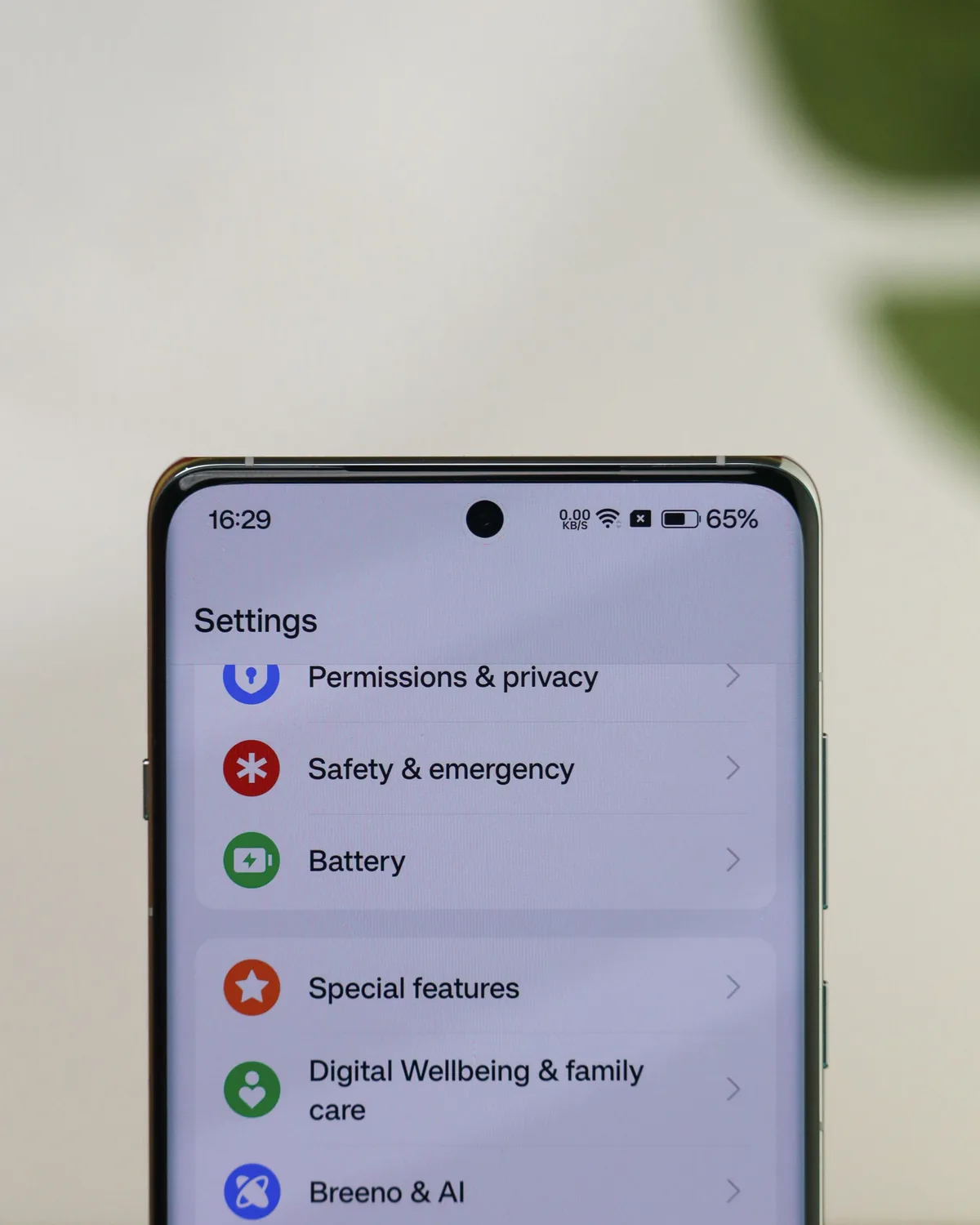
Camera, location, messages, contacts and storage requests should correspond to a function the user can identify. Accessibility or device-administration access can create much wider control and deserves a clear explanation. The permissions screen is a device-settings example; the impact of any request depends on the access requested and the stated function.
Android checks
Match the listing or signed package to the claimed publisher, release date and permission set. A file received through a message is not confirmed by its filename or icon. Do not weaken device safeguards for an unsolicited file. BCGAME.WIKI provides no file or installation instructions.
iOS checks
Read the listed developer, privacy information, version history and requested permissions. Confirm the publisher through a route found independently of the message or page that prompted the check.
Fake-file warning signs
- The claimed publisher cannot be found through an independent route.
- A brand word appears only in a filename or misleading subdomain.
- The sender creates urgency or asks for safeguards to be disabled.
- Requested permissions do not match the described function.
- No dated release or change history is available.