
Password and 2FA
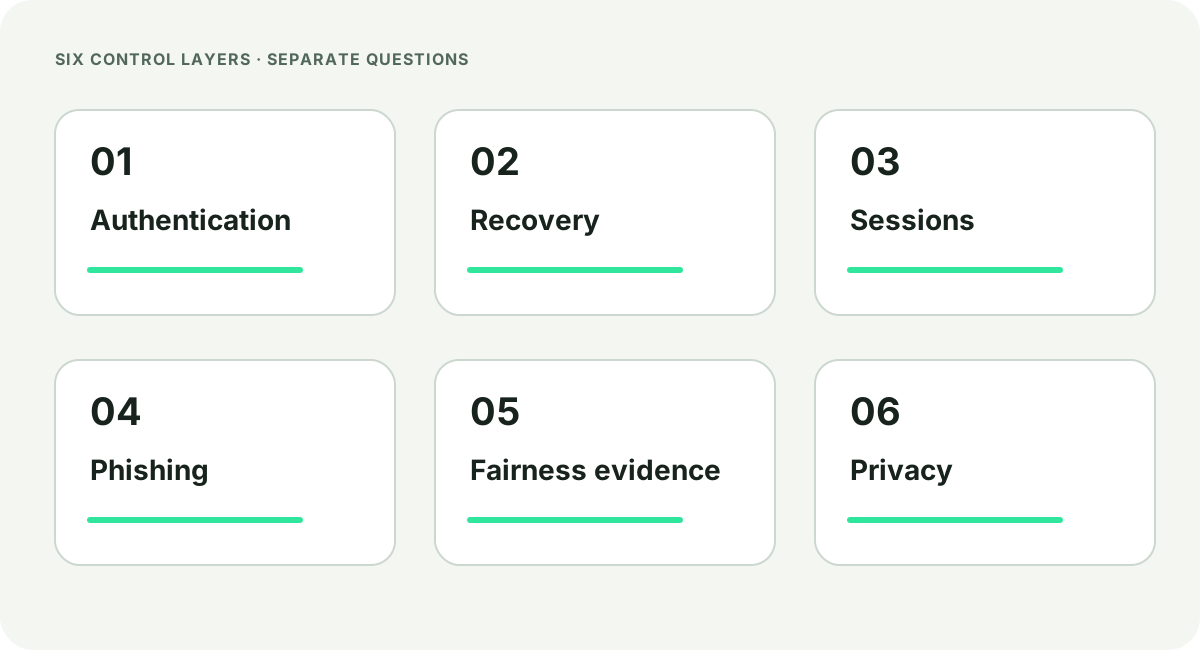
Use a unique password so a breach at another service does not become an account takeover here. A second factor reduces some password-only attacks, but it cannot identify the operator, protect an already compromised recovery mailbox or certify the service as a whole.
Keep one-time codes and backup secrets out of messages and contact forms. If a sign-in page arrived through an unsolicited message, locate the intended service independently before entering anything.
Recovery channels
Email, phone and backup routes can override the normal sign-in path. Protect a recovery mailbox with its own unique password and second factor, and review changes to addresses or numbers. A strong account password is not enough if the recovery path is easier to take over.
Active sessions and phishing
An active session can remain usable after a password change, depending on the system. Useful controls show recent devices and allow unknown sessions to be revoked. After a suspicious sign-in, protect the recovery channel first, change credentials from a known-clean device and remove sessions you do not recognise.
Phishing can copy a logo, colour system, certificate state or sign-in layout. Domain and application-source checks belong in the mobile safety guide; this page covers containment and account response.
Respond to an unfamiliar sign-in
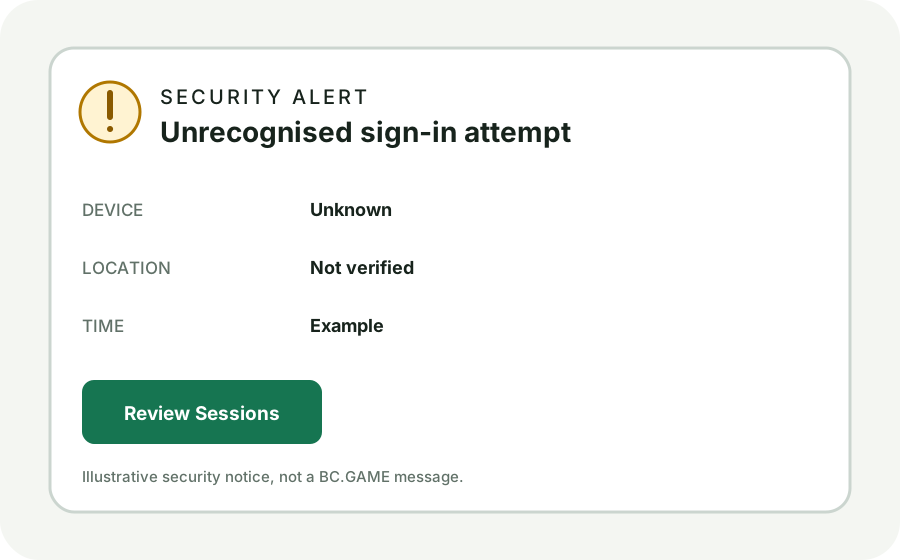
Stop using the link or device that raised the alert. Secure the recovery mailbox from a known-clean device, change the affected password and revoke sessions that are not yours. If the service offers a recent-device list, record the time, device label and approximate location before removing the session.
Keep the full URL, timestamp, sender identity, error text and a redacted screenshot. Do not send passwords, one-time codes, identity numbers or financial secrets through a contact form. Preserved details can help a genuine support or incident team distinguish a copied page from an account event.
Privacy questions
A privacy review asks what data is collected, why it is needed, who can access it, where it is processed, how long it is retained and how an incident is handled. HTTPS protects data in transit to the hostname in the address bar. It does not answer those operational questions.
What a provably fair check covers
BC.GAME publishes a brand-controlled description of a provably fair process. With the necessary data, a check may compare a later disclosure with an earlier hash commitment and run the stated calculation again. The conclusion belongs to the supplied record, algorithm and version.
It does not identify the operator, review account security, assess privacy practice, test payments, decide legal status or predict a future result. Those subjects require different records and, in some cases, qualified professional review.
Technical report dates and coverage
A report answers only the systems, versions and dates it names. Read who performed the work, which application or game was included, when testing ended and which exceptions remained. A report for an earlier release should not be silently transferred to a later version.
Read the test boundary before the conclusion
A report may cover a web application, a game calculation, a mobile build or an operational control, but those are not interchangeable. Check the tested hostname or product, version, sampling period and exclusions. Then compare the report date with the page or build now being described.
A hash reproduction for one round and a security assessment answer different questions. Neither should be stretched into a claim about payments, legal status or every system operated under the brand.